





HUD Updates Today
Sunday, March 6th, 2016
Today, everyone should get auto-delivered a new version of the Thirst, Human, and Rage HUDs. The new versions are 4.21 for the Thirst and 2.21 for the Rage and Human. In order to get an auto-update, just reattach your HUD. If you don’t receive an auto-update, you can get an update at any Liquid Designs update terminal in-world.
This is a minor update to fix a memory issue that recently emerged. If you had been getting Stack-Heap Collision errors while using your radar, this update fixes that error. If you aren’t encountering this problem, feel free to continue using your current version.
You don’t need to update your fangs, claws, bite marks, or claw wounds.
The versions of the fangs, claws, bite marks, and claw wounds remain the same, and the versions in the 4.21/2.21 have not changed from 4.2/2.2. The only thing that changed in the new crate is the HUD.
This means, you can keep using all the same items that you have been using except for the HUDs. If you have custom animations in your fangs, claws, bite marks, or claw wounds, you can keep using them as-is. An easy way to make this update in your inventory is to just drag your fangs, claws, bite marks, or claw wounds into your new 4.21/2.21 folder. There is no need to copy any animations or inventory into a new version of the fangs / claws / bite marks / claw wounds.
If you have any questions about this, please comment on this post, or ask Lyle Maeterlinck in-world. Happy hunting!
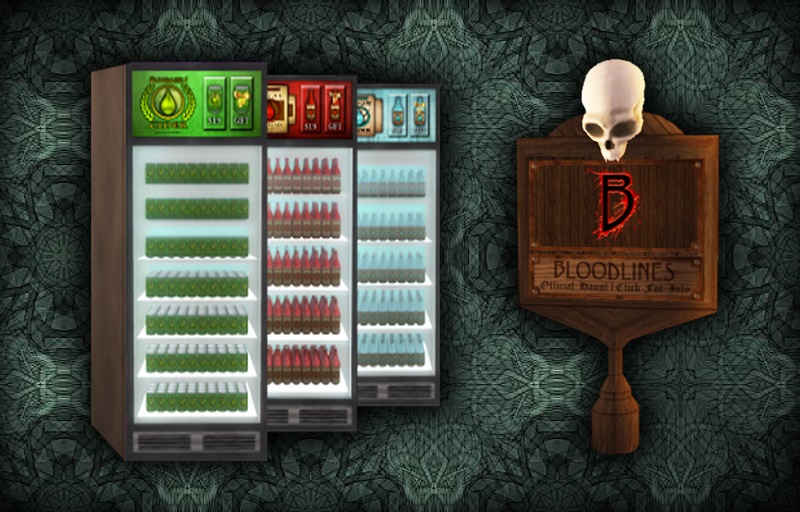 Today we’re issuing updates to the Haunts and Bar Pack affiliate vendors, including the Vital Blood Bar, the Moonshine Bar, the Cider Bar, and the Mega Bar Pack. If you own any of these bar packs, you will be automatically delivered updates to all of them. If you own the Vital Blood Bar, the Moonshine Bar, or the Cider Bar, these can also be updated at any Liquid Designs update terminal. The Haunt and the Mega Bar Pack can’t be updated at terminals because they contain the no-copy Haunt. If you own at least one Haunt or at least one Mega Bar Pack, you’ll be delivered an auto-updater for your Haunts. This auto-updater will update your Haunts in place. Just rez one copy of the auto-updater on any region where you have Haunts placed, touch it for the menu, and select ‘Update’, then wait for it to finish updating and reconnecting all of your Haunts. If you have a large number of Haunts on a single sim, you may need to run the update process more than once, as it can only update a limited number of Haunts at a time.