News and Updates

Author Archive

Scheduled Maintenance Part 2

Wednesday, July 12th, 2017

Bloodlines systems will be unavailable today, Wednesday, July 12 from 2-2:10pm SL time for scheduled maintenance. We’re sorry for the short notice on this, and any inconvenience that it causes. Thanks for your patience during this time. If you miss any purchases during this time, or have any questions, please contact Lyle Maeterlinck in-world.

Scheduled Maintenance

Sunday, July 9th, 2017

Bloodlines will be in maintenance mode tomorrow morning, July 10, 2017 from 3-3:20am SL time for scheduled upgrades. We apologize for the inconvenience, and thanks for your patience during this time. If you have any questions, please contact Lyle Maeterlinck in-world. Thanks!

9th Anniversary Haunt Contest Winners!

Friday, May 26th, 2017

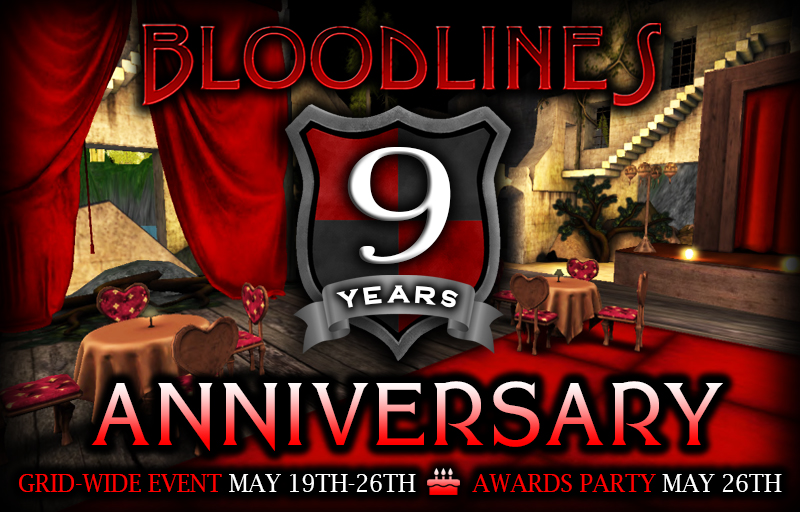
We had hundreds of Bloodlines member opt their Haunt locations into our 9th Anniversary Celebration week special event, and we have tremendous gratitude towards everyone who participated in celebrating this milestone with us by opting in, decorating, holding events, engaging the Second Life community with Bloodlines, not to mention the hundreds of avatars who attended events and voted on their favorite locations.

Everyone who opted in their haunts to the 9th Anniversary event will receive a special limited-edition tank and prism texture that they can apply to their blood tanks or lumen prisms.

We’d like to announe our 3 winners, who will receive an additional limited-edition texture, and have their haunts featured on the Bloodlines homepage for a week:

The Shadows Blood River Hearse

HELLZ GATE

V E R I T A S

And our 20 runners-up, who will also all receive an additional limited-edition texture:

CLUB CONQUEST UNDERWORLD
Crimson Republic
Sanctum of Darkness – Bloodlines 9th Anniversary!
Mad Hatters Playhouse
Underworld Empire
The Jungle
Circus Nocturnus
LAMIAS HYBRID AND LYCAN FORCES#22
Honoris Fidei Pack
Forsaken Souls Of the Night
Rockin Country Saloon Bloodlines Shop
Rare Texture Display Room
Family Of The Forbidden::EzmiElite
Aeterna HQ
Vendor Room Legacy of Darkness Estate
ENTRY Domini Noctis Requem
Inish Loughlin – Beyond Eternity land
EOD – The Legacy
The Blue Steele Club
Perils In Paradise tamus Pro Veritate Homelands!

Fixed Issue With Soul War Family Achievement Recording

Sunday, April 3rd, 2016

Yesterday we discovered a problem with the way that achievement levels were getting added up for All-Time Soul War achievements for Families, and a separate issue in the way that Vampire and Lycan Berserk achievements were getting added up for families. Both of these issues should now be corrected. If you believe that any of your Soul War stats are incorrect or aren’t displaying correctly, or if you have any questions about how the Soul War works, please contact Lyle Maeterlinck directly in-world, or comment on this post and we’ll get back to you as soon as possible. Happy achievement hunting!

NEW: The Soul War

Friday, April 1st, 2016

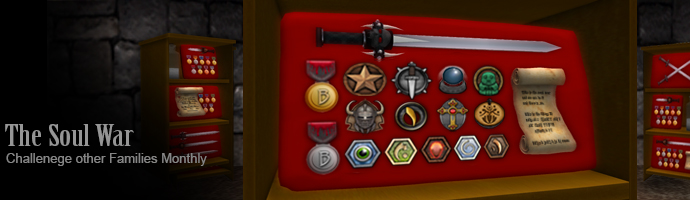
Introducing THE SOUL WAR! The Soul War is a monthly contest where you can challenge other players and families in a contest of Bloodlines achievements, and collect and win all-new medals for gaining achievements! You can view the full rules of The Soul War in the Achievements Guide, and you can track your Soul War progress on your profile. The Soul War provides new monthly rankings on total achievement progress, single achievements, and medals collected. You can also cooperate with your family to see if you can beat other families in the monthly achievement contest, and collect the most medals! We hope you have a great time playing The Soul War!

(No, this is NOT an April Fool’s joke :))

HUD Updates Today

Sunday, March 6th, 2016

Today, everyone should get auto-delivered a new version of the Thirst, Human, and Rage HUDs. The new versions are 4.21 for the Thirst and 2.21 for the Rage and Human. In order to get an auto-update, just reattach your HUD. If you don’t receive an auto-update, you can get an update at any Liquid Designs update terminal in-world.

This is a minor update to fix a memory issue that recently emerged. If you had been getting Stack-Heap Collision errors while using your radar, this update fixes that error. If you aren’t encountering this problem, feel free to continue using your current version.

You don’t need to update your fangs, claws, bite marks, or claw wounds.

The versions of the fangs, claws, bite marks, and claw wounds remain the same, and the versions in the 4.21/2.21 have not changed from 4.2/2.2. The only thing that changed in the new crate is the HUD.

This means, you can keep using all the same items that you have been using except for the HUDs. If you have custom animations in your fangs, claws, bite marks, or claw wounds, you can keep using them as-is. An easy way to make this update in your inventory is to just drag your fangs, claws, bite marks, or claw wounds into your new 4.21/2.21 folder. There is no need to copy any animations or inventory into a new version of the fangs / claws / bite marks / claw wounds.

If you have any questions about this, please comment on this post, or ask Lyle Maeterlinck in-world. Happy hunting!
Five New Achievements!

Thursday, February 4th, 2016

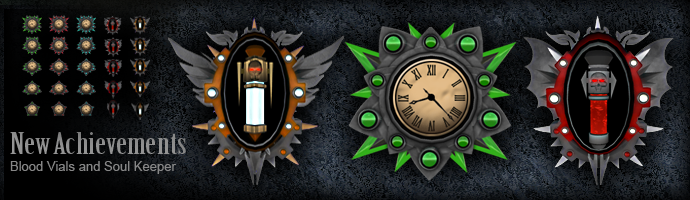
Announcing the release of five new achievements! Now you can get achievements for collecting Blood Vials, Lumen Vials, and for holding souls that you obtained through the Blood River, Moon River, and Blood Doll Collector achievements. You can read the specifics on these achievements in the Achievements Guide. We’ve also made some minor updates to the display and organization of the achievement rankings, and the individual achievement progress pages that we hope make them easier to read and more user-friendly. Have fun

New: Garlic Secret Identities

Thursday, January 28th, 2016

Today we made an update to the way that account names that have been deactivated by the Garlic Necklace are displayed on the website. The Garlic Necklace is an item provided by Bloodlines that allows people to deactivate their accounts if they wish, so their avatar names no longer appear on the public site at slbloodlines.com. Every person who is under Garlic has been assigned an automatically-generated “secret identity” name, and this is the name that will appear in lists on the website such as soul and minion lists. So, deactivated accounts will no longer appear as “(name removed)” on the website, they will appear as the auto-generated secret name. The secret names will appear in “Firstname Lastname” format, and you can identify them because they will have one of the following five last names: Immortalus, Maleficus, Damarchus, Grimm, or Miasmador.

There are several purposes to this:

  1. You can now specifically identify a soul you own that is from a deactivated account, and trade it with the Soul Reaper, or use it for ransom in an Electrum transfer. When selecting deactivated souls for transfer with the Soul Reaper or the Electrum, you can use either the legacy name format (such as “Lyle Maeterlinck” or “Firstname Resident”) or the secret name. When you’re transferring a deactivated soul, both the secret name and the legacy name will show up in the soul reaper messages, such as “Secret Name (Legacy Name)”.
  2. We’ve heard that some people don’t like owning souls that show up as “(name removed)” on their profile. Also, it’s possible to obtain or trade for a soul that later gets deactivated, and some people have been disappointed by this. Now, deactivated souls will show up as the secret identity name, which looks the same as a legacy name on your profile.

Every account is assigned a single secret name only once. If you go in and out of garlic, the secret name remains the same, you don’t get a new secret name each time. If you own a soul that belongs to a deactivated account, you can view the legacy name of that soul by logging into slbloodlines.com and look at your own profile, then hover your mouse over the secret name, and you’ll see a tooltip with the legacy name displayed. To clarify this, ONLY the soul owner can see the tooltip with the legacy name of the deactivated account, and ONLY if they are logged into the website and looking at their own profile. Legacy names of deactivated accounts still will not be publicly displayed on the site. If you have any questions about this, please don’t hesitate to contact Lyle Maeterlinck directly.

New Features: Family Roles and Leader Switching

Tuesday, December 29th, 2015

We’ve just added a couple of new features to the website that Family leaders will have access to: Family Roles and Leader Switching. Previously, if you wanted to change your family leader, you had to change your family name, unliege the new leader, re-liege the old leader, and then change the name back, and then you would lose changes to your Family profile on the website, and your allies and enemies would also be lost, because they are linked to the Family leader. Now, changing your Family leader is as easy as typing the new person’s name into the change leader form on the website. Family leaders will find that they have a new option on their family profile editor, under the dropdown menu labeled ‘Family Profile’ in the profile editor called “Change Family Leader”. The new leader must be a directly lieged minion of the current leader. If you use this function to change your Family leader, everything for your Family will remain the same on the website, including your profile, allies and enemies, and some new features we’re releasing, including: Family Roles!

Starting today, you can create and manage a set of up to 20 roles for your Family. Family Roles can currently only be set up and assigned by the Family leader. Family leaders will have a new dropdown on their profile editor labeled “Family Roles”. For full instructions on how Family Roles work, please see the guide. In general, it’s up to you to decide what Roles mean to your Family. You can use them as a ranking system, as an award system, or as a custom achievement system, or just use them for fun. For each role you create, you can choose to define a badge icon for that role, either using one of our default badge icons, or you can design and upload your own. We hope you have fun with this new system!

Updates today: Haunts and Bar Packs

Friday, December 4th, 2015

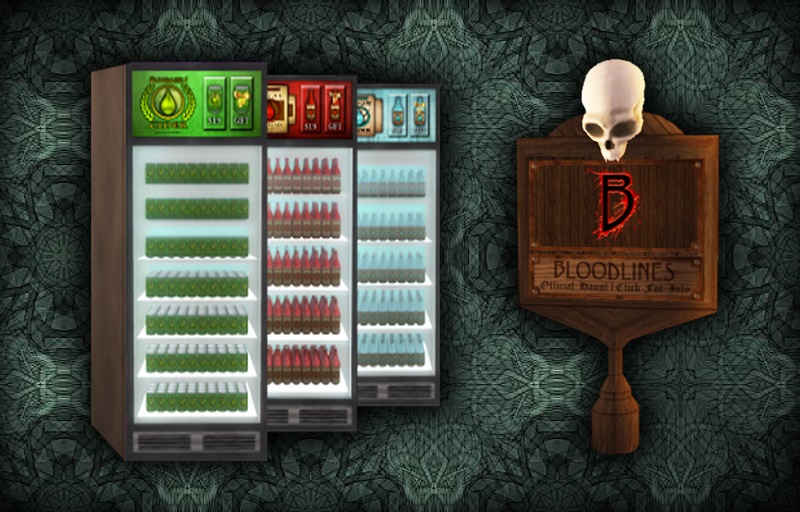
haunt_fridgesToday we’re issuing updates to the Haunts and Bar Pack affiliate vendors, including the Vital Blood Bar, the Moonshine Bar, the Cider Bar, and the Mega Bar Pack. If you own any of these bar packs, you will be automatically delivered updates to all of them. If you own the Vital Blood Bar, the Moonshine Bar, or the Cider Bar, these can also be updated at any Liquid Designs update terminal. The Haunt and the Mega Bar Pack can’t be updated at terminals because they contain the no-copy Haunt. If you own at least one Haunt or at least one Mega Bar Pack, you’ll be delivered an auto-updater for your Haunts. This auto-updater will update your Haunts in place. Just rez one copy of the auto-updater on any region where you have Haunts placed, touch it for the menu, and select ‘Update’, then wait for it to finish updating and reconnecting all of your Haunts. If you have a large number of Haunts on a single sim, you may need to run the update process more than once, as it can only update a limited number of Haunts at a time.

This update will make your Haunts more stable and reliable, and use fewer resources on your region. The Bar Pack affiliate vendors have also been updated with stability updates, and can now be used with Liquid Designs gift cards. If you own Haunts or Bar Pack affiliate vendors, please update them as soon as possible. If you don’t receive updates, and you believe you should have, please contact Lyle Maeterlinck. Happy Haunting, and Cheers!